Browser-based apartment planner
A downloadable game for Windows
RoomPlan Pro
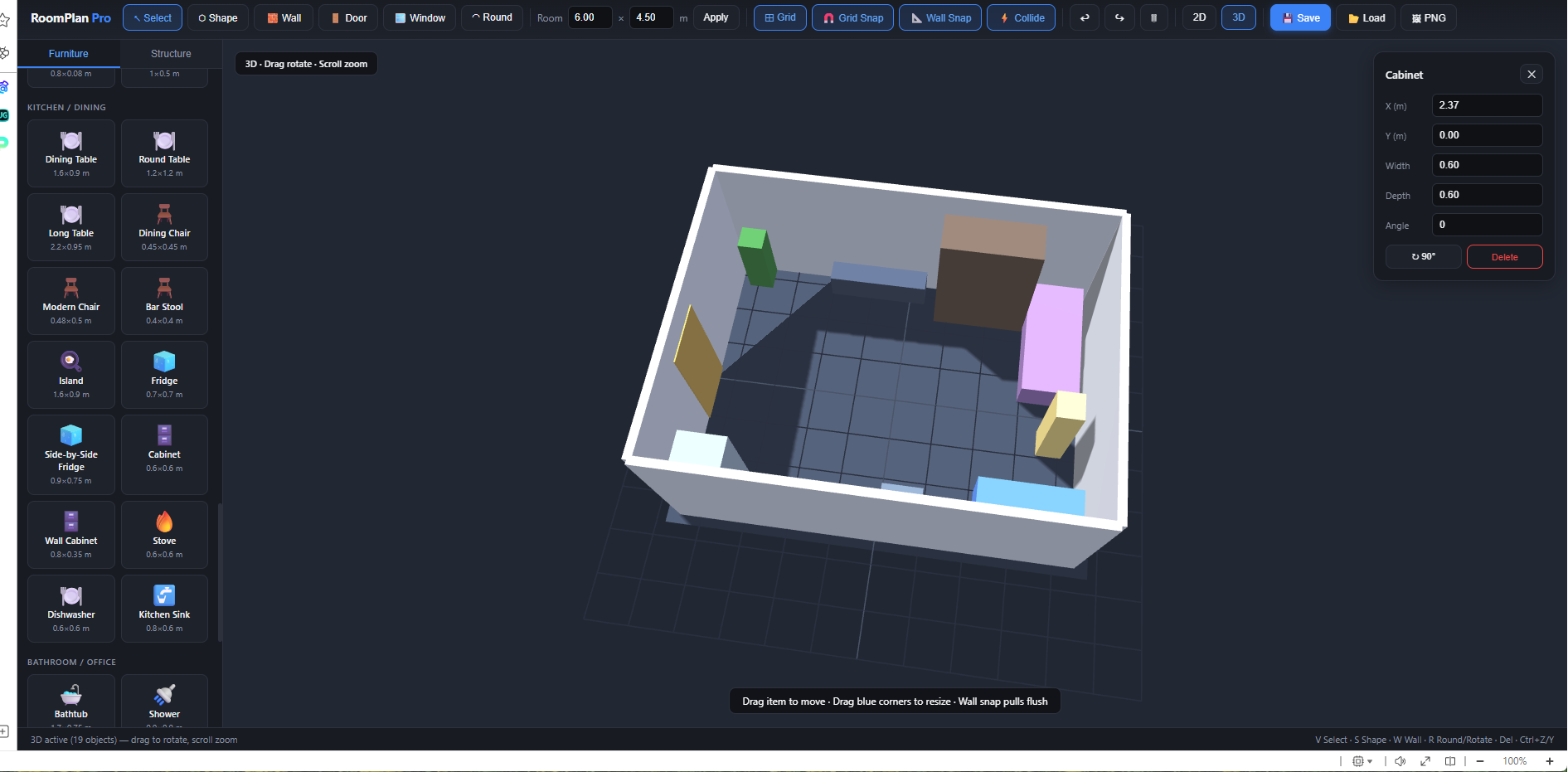
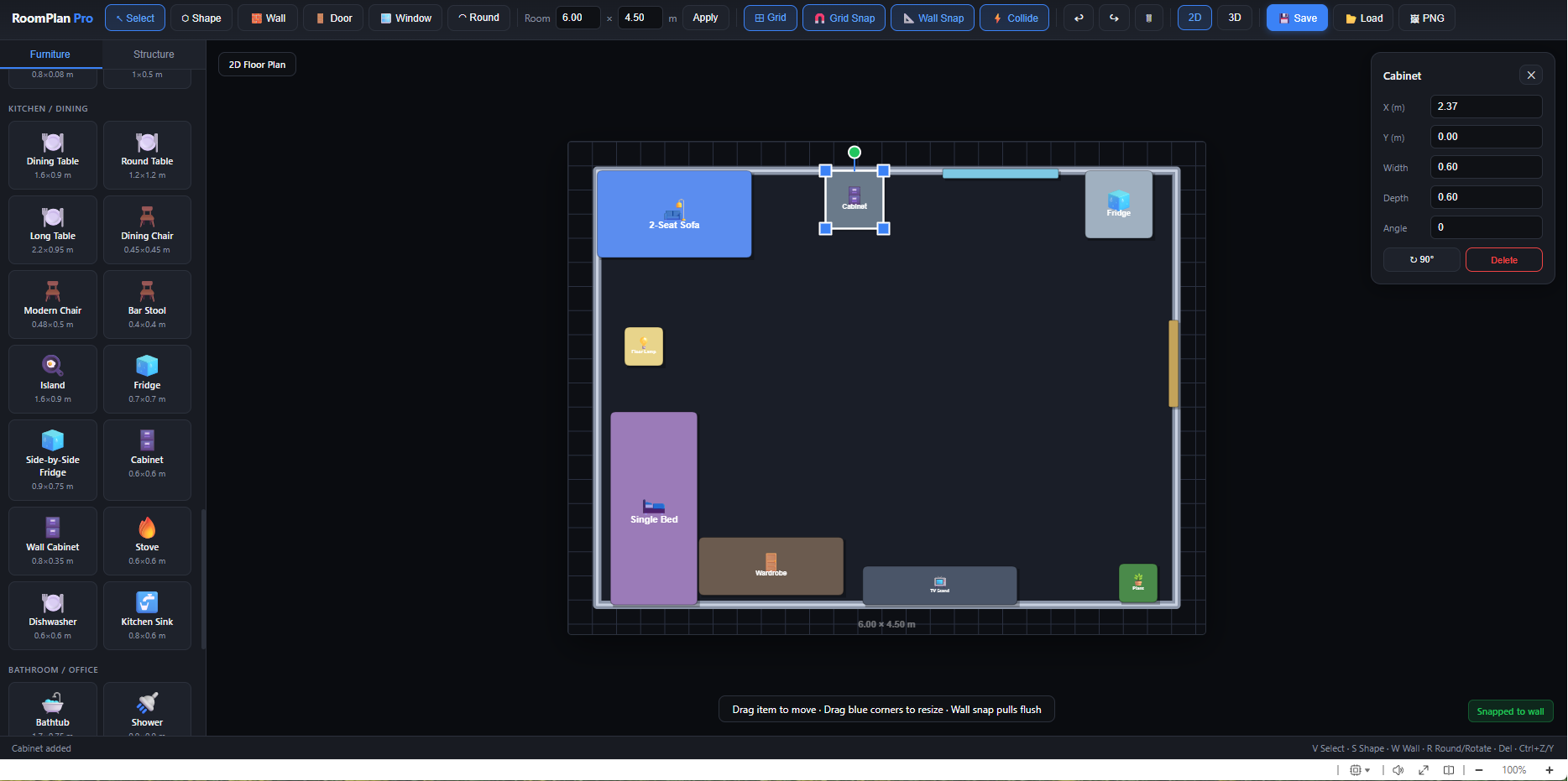
A browser-based apartment planner: place furniture on a 2D floor plan and preview the room in 3D. Single HTML file, no installation.
Main features
- Custom room shapes (protrusions, rounded corners)
- Furniture: sofas, chairs, beds, tables, cabinets, appliances, decor
- Walls, doors, and windows (doors/windows snap into walls)
- Move, rotate, and resize items
- Grid snap, wall snap, collision detection
- 3D view with orbit and zoom
- Save/load project, export PNG
How to use
Interface
- Left — furniture & structure catalog (Furniture / Structure tabs).
- Top — modes and tools.
- Center — floor plan.
- Right (when an item is selected) — properties panel (position, size, angle).
Modes (toolbar)
| Mode | Purpose |
|---|---|
| Select (V) | Select, move, resize |
| Shape (S) | Edit room outline: vertices, protrusions, rounded corners |
| Wall (W) | Draw internal walls |
| Door / Window | Place doors and windows on walls |
Furniture
- Click an item in the catalog or drag it onto the plan.
- Move: click and drag.
- Resize: drag the blue corner handles on the selected item.
- Rotate: ↻ 90° button or R.
- Delete: Delete key or Delete in the properties panel.
Room shape (Shape mode)
- Green dots — corners: drag to create protrusions or recesses.
- Blue dots on edges — add a new corner.
- Select a vertex + Round (or R) — round the corner.
- Room → Apply — reset to a rectangle of the given size.
Walls & openings
- Wall: click points to draw segments; Esc cancels.
- Door / Window: click near a wall — the opening embeds into that wall.
2D / 3D
- 2D — top-down plan.
- 3D — perspective view: left-drag to orbit, scroll to zoom. Internet required (Three.js).
Saving
- Save — download project as .json.
- Load — open a saved plan.
- PNG — export 2D plan or 3D view.
- Auto-save in the browser (localStorage).
Keyboard V Select · S Shape · W Wall · R rotate / round · Del delete · Esc cancel · Ctrl+Z / Ctrl+Y undo / redo.
Notes
- Open the file in Chrome, Firefox, or Edge.
- 3D needs an internet connection.
- Units are meters; default room size is 6 × 4.5 m.
Purchase
In order to download this game you must purchase it at or above the minimum price of $5 USD. You will get access to the following files:
Leave a comment
Log in with itch.io to leave a comment.